
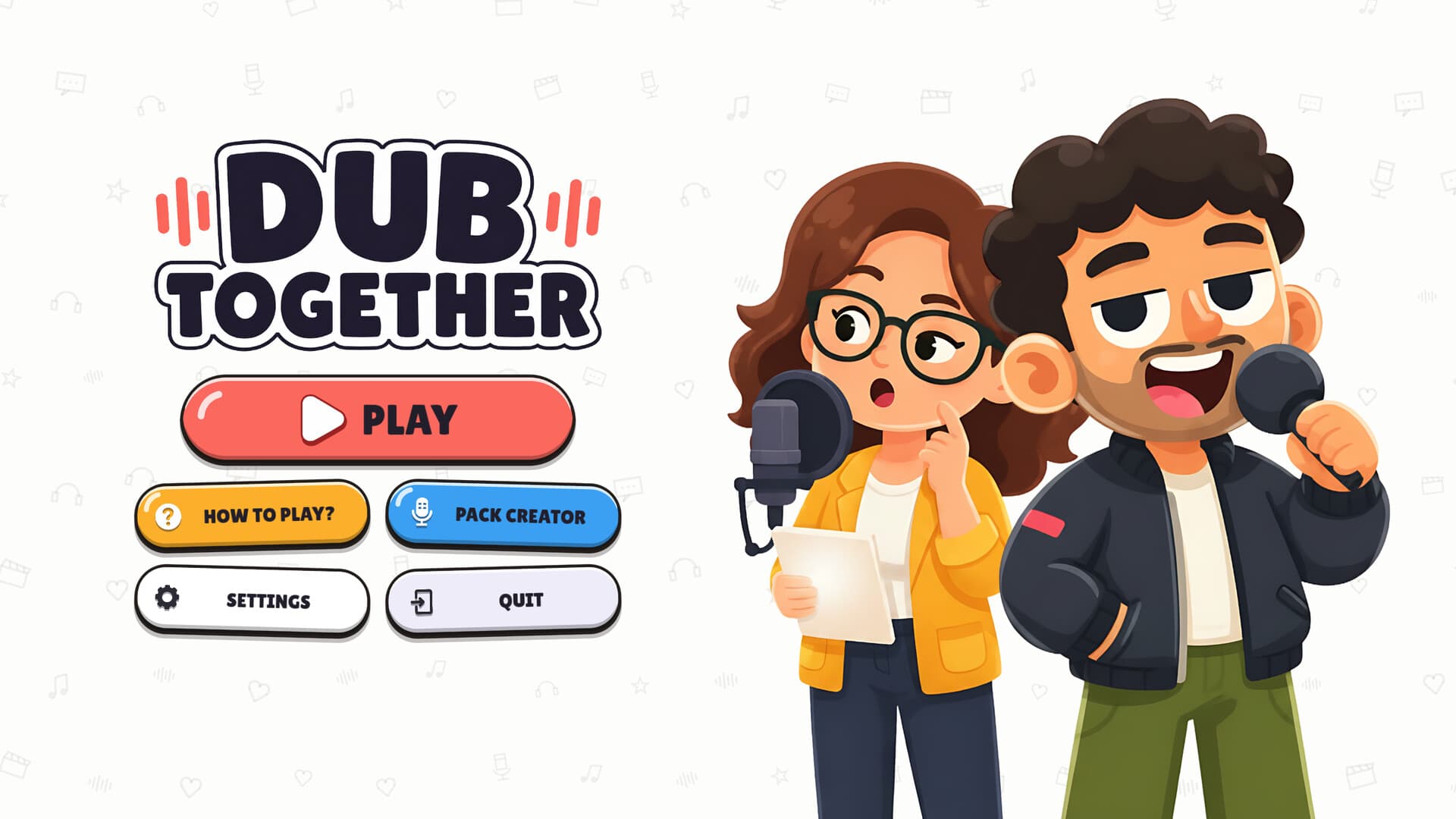
Dub Together clips begin as source videos that Pack Creator imports, trims and turns into playable packs with detected dialogue. You assign roles, export the pack and record new voices over the footage in a round. The finished dub is a separate video result, with automatic saves to Videos\Dub Together announced on September 15. The same update adds missing-video relinking with FIND VIDEO, preserving existing lines instead of requiring them to be rebuilt.
Separate source clips, packs and results
A source clip is the footage you supply to Pack Creator, while a pack contains the scene prepared for a dubbing round. A finished dub is the performance created when players record new voices over that scene. Keeping these three stages clear makes the export actions easier to understand. Exporting a playable pack and saving a completed performance serve different purposes, even when they use the same original picture.
The official listing identifies the Sprite Fright excerpt by Blender Studio as the named bundled pack, licensed under CC BY 4.0. Additional packs come from player creators and are hosted on Steam Workshop. A community video showing familiar footage does not establish a corresponding official pack or a particular source-file download. Exact file formats, a full included clip catalogue and export resolutions remain 待确认, so choose material by the actual available item.
Import and trim your source video
The documented creator workflow begins by importing a video and trimming it to the portion you want for the round. Choose an excerpt with the dialogue or performance you want the players to reinterpret. Trimming defines the working scene before its spoken parts and text become the lines people read. The sources describe this sequence without publishing a universal ideal clip length or a guaranteed limit for every imported video.
Use footage you are allowed to work with and share if you intend to publish the resulting pack. The developer explicitly requires rights or permission for films, shows and music belonging to other people. Having a video file available to import is not itself that permission. Supported file extensions, conversion presets and a method for obtaining clips from a streaming service are 待确认 in the reviewed documentation.
Review detected speech and assign roles
Pack Creator detects spoken parts automatically and writes matching text for the lines. It also separates speech, music and background audio so the scene's atmosphere can stay while its voices are replaced. After that, you assign a character to each line and export the playable pack. Review the actual detection result before you build a role plan, because the description provides capabilities rather than a guarantee of perfect text for all footage.
The official disclosure says speech recognition, microphone noise filtering and speech/background separation run locally on your machine. Those models process material that you provide instead of inventing new clip content. This statement describes those processing models, without establishing that Workshop sharing or online joining happens locally. In Character mode, the assigned roles guide the shared performance and unassigned characters keep their original voices.
Add a line at the playhead
The September 15 announcement adds a + NEW LINE button in Pack Creator. It creates a line at the current playhead position, giving you a documented manual addition to the detected dialogue. Move to the place where you want the new line before using that action. An exact keyboard shortcut, a universal subtitle-import workflow and batch editing controls remain 待确认, so the named button is the supported instruction here.
When preparing roles, consider which lines belong to the same character and which players you want to assign during the eventual round. Workshop filters describe role counts from 1 to 6+, but online play still supports up to six players. More roles in the footage therefore do not automatically mean more simultaneous performers in a lobby. The gameplay guide explains how Character handles assigned roles and how Parallel records complete separate versions.
Relink a missing source video
The September 15 update provides FIND VIDEO when a source video is missing. The announcement says you can relink the video without losing the lines already created for it. This is a specific repair path for a missing source reference. It should not be treated as a promise to restore a deleted video, reconstruct damaged footage or recover every missing project file.
Locate the intended source material before using the relinking action, and keep the existing line work in mind when choosing it. The documented benefit is preserving those lines while reconnecting the source video. Exact behaviour after substituting different footage or changing its duration is 待确认 in the available notes. The same update says packs can be re-exported and deleted properly after being played, covering another part of the editing lifecycle.
Export a pack and record a round
After trimming, detection and role assignment, export the pack to make it playable. The official description says you can play the exported pack right away and also upload through the creator's Workshop action. In Parallel, each player records a separate interpretation of the same clip, then everyone watches and votes. In Character, performers follow their assigned roles and create one shared version without a vote.
Both modes allow a recording to be repeated while the round timer is running, without a published fixed timer duration. Voice effects can be selected per line and are applied directly to the recording. The named effects are Chipmunk, Monster, Echo, Robot and Phone, while the sixth name remains 待确认. These are performance choices made after pack preparation, rather than evidence that the creator produces ready-made new dialogue automatically.
Locate the finished video
The game description lets you save completed dubs as videos, including each finished Parallel version and the shared Character result. The September 15 announcement also gives Videos\Dub Together as the automatic save location. Look there when locating the performance made from your clip on the documented Windows setup. The publication does not establish a file extension, bitrate or resolution, and those export details remain 待确认.
A saved dub records what the group performed, so keep it distinct from the editable pack and its source video. If you want to change the footage or lines for another round, return to the creator stage rather than assuming that the saved performance is the project. The September updates document playback and crash fixes, including scenes continuing to the end. They do not provide an independent quality test or a guarantee against every possible save problem.
Share through Workshop with the right permissions
Steam Workshop is the documented sharing destination, with subscriptions appearing immediately without a restart. A player missing the selected round pack gets it downloaded automatically when the round begins. The September 6 update adds automatic language, line and role tags to creator uploads, with old packs receiving them after a re-upload. These features help describe and distribute player-made packs without making them official Banani productions.
The September 15 update adds upload rights confirmation, a REPORT button and actual Steam error messages for failed uploads. The developer permits only material whose upload rights you hold and allows reports on the Workshop item's Steam page or at support@dub-together.com. An error message should be read as the particular upload's result, without inventing a universal repair. For coordinating friends once the pack is ready, continue to the online guide.
What players ask
How does a video become a playable clip?
Import the footage into Pack Creator and trim it to the excerpt you want. The creator detects spoken parts and matching line text while separating speech from music and background audio. Assign the characters to lines and export the pack. The official description says the exported pack can be played immediately.
Where are completed dubs saved?
The September 15 announcement gives the automatic save location as Videos\Dub Together. The official listing also documents saving finished versions as video. That result is different from the source video used to create a pack. The file extension and export resolution remain 待确认 in the saved sources.
Can a missing video be restored without rebuilding the lines?
The September 15 update adds FIND VIDEO for relinking a missing source video. The developer says this preserves your existing lines. The same announcement documents fixes for pack re-export and deletion after play. It does not establish a general recovery method for every lost or damaged project, so broader recovery claims remain 待确认.