
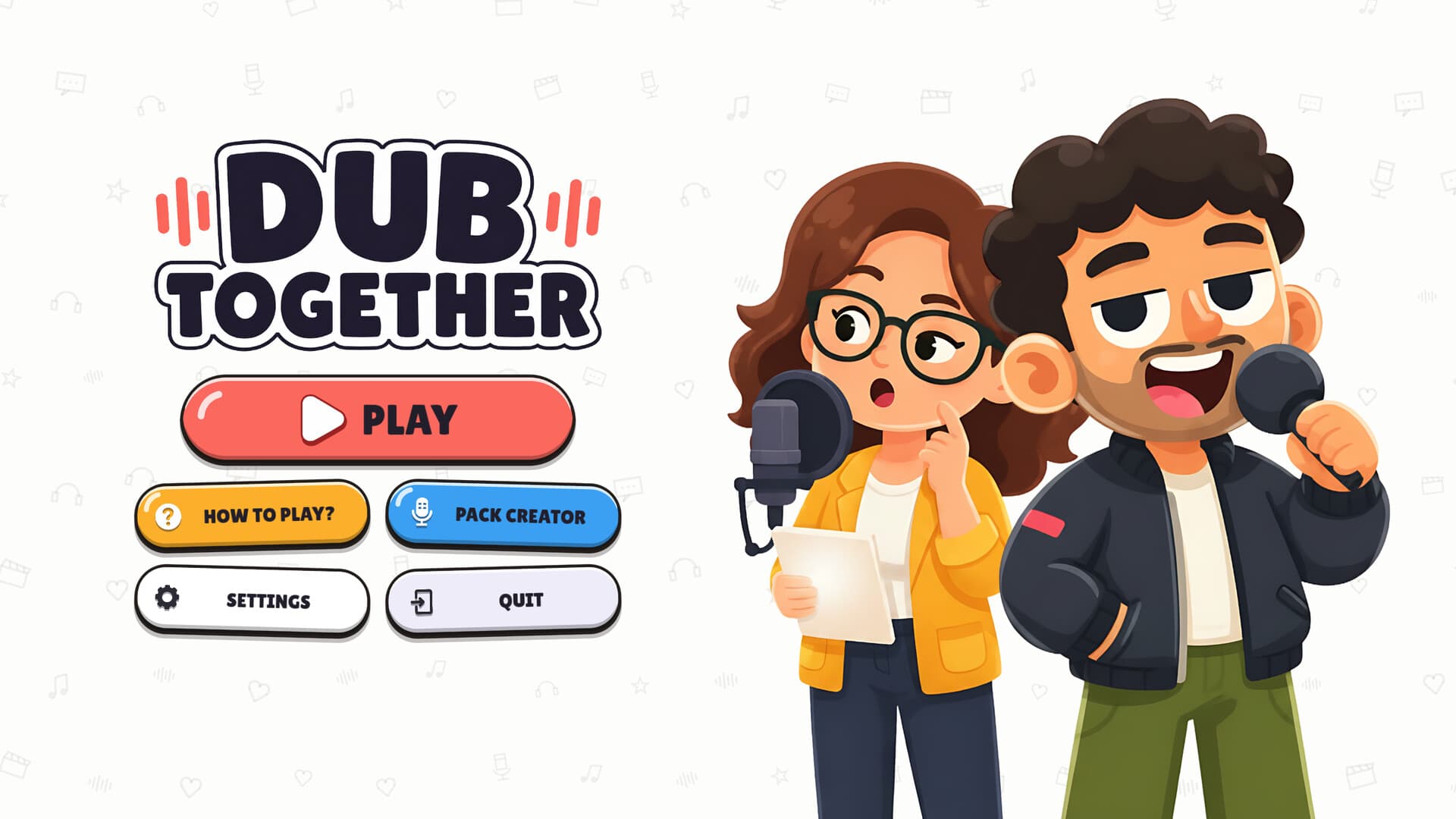
Dub Together Steam is Banani’s multiplayer dubbing game, identified by App ID 5020310 on the official store. The researched product is for Windows and supports online groups of up to six players, with Parallel and Character modes. Use its matching Steam Workshop for community packs and its developer announcements for the documented updates. Native Mac, PS5 and mobile editions remain 待确认, so this listing should not be presented as proof of those versions.
1. Find Banani’s official listing
The Steam page names Banani as both developer and publisher of Dub Together. The collected US listing gives September 1, 2026 as the release date and identifies the game as a multiplayer dubbing party game. Its App ID connects the store entry with the community pages linked below. Use that combination to identify the exact title before purchasing, downloading packs or following a community discussion.
The saved US storefront price was $4.99 on September 28, 2026. That observation is dated and regional, so the amount in your own Steam currency requires a fresh store check. No sale schedule or verified third-party key stock follows from the listing used here. The price article handles that purchase question separately from setting up and using the Steam game.
2. Check the Windows requirements
The minimum requirements list 64-bit Windows 10, four processor cores at 2.5 GHz and 4 GB of RAM. They specify a Vulkan-capable GPU with 1 GB of video memory, giving GTX 750 or RX 460 and above as examples. The minimum available storage is 2 GB. Treat these as the published starting requirements rather than a benchmark for every microphone, computer or recording situation.
The recommended specification lists 64-bit Windows 11, six cores at 3.0 GHz and 8 GB of RAM. It increases the graphics memory to 2 GB with Vulkan support and lists 5 GB of storage. The researched page also labels Steam Deck Playable, without supplying an independent performance result. The app support page explains why that label does not confirm native Mac, PS5 or mobile editions.
3. Understand your first round
Parallel mode gives every player the same video clip to voice separately. On-screen lines guide the recording, and players do not hear the other versions while making their own. The group then watches each result, votes and sees a podium. This is the documented mode to choose when the session revolves around comparing different interpretations of the same material.
Character mode assigns one performer to each role and records the dialogue together. Unassigned roles retain their original voices, and the group watches one combined version rather than a set of individual entries. There is no vote in that mode, and it requires at least two players. The gameplay page explains both round flows before you pick the first pack for your group.
4. Use Steam friends and lobby codes
The official description documents invitations through Steam friends and joining through a lobby code. A lobby code identifies an online session, so it should not be confused with a purchase activation key. The September 15 announcement also documents Discord invitations that can reach someone while the game is closed. It does not establish a free guest pass or confirm that the invitation removes any ownership requirement.
The same announcement records clearer Steam joining errors and fixes involving mixed-version lobbies. Those notes identify changes made by the developer, without proving the cause of every present connection problem. Streamer mode hides the lobby code, while Twitch chat can vote using !vote or a number. The online guide keeps these joining and audience features together with the confirmed six-player session limit.
5. Add packs through Workshop
Workshop packs are created by players and hosted by Steam, rather than supplied as a complete catalogue by Banani. The official description says subscriptions appear immediately without a restart and missing packs download at round start. The September 6 announcement adds filtering by language, number of lines and roles. Its 6+ role tag concerns pack content and does not increase the documented maximum of six players in a lobby.
Pack Creator can import and trim a video, detect speech and matching lines, assign roles and export a playable pack. Its upload action sends the finished material to Workshop, where the creator must have the necessary rights. The only bundled excerpt named in the listing is Sprite Fright by Blender Studio under CC BY 4.0. Use the Workshop guide for subscription and filter details without assuming a particular film pack is available.
6. Record, replay and save
The game allows another recording attempt while the round timer continues to run. The collected material does not give a fixed timer duration, so this article does not invent a universal recording window. It describes six voice effects, naming Chipmunk, Monster, Echo, Robot and Phone among them. Effects can be chosen per line and apply to the recorded voice, while the noise filter reduces background noise between sentences.
The September 15 notes document automatic video saves to Videos\Dub Together. They also give the host control over rewatching or moving between finished versions and record improvements to microphone quality and distortion. The September 8 note supplies a default VOICE TIMING value of 150 ms, with higher values moving recorded speech earlier. Those are documented controls and changes, without establishing one optimal setting for every device.
7. Read the relevant announcements
The official announcement feed is the source for the dated changes discussed here. September 15 includes Russian and Cyrillic support with Windows or Steam language detection, alongside joining and recording fixes. It also describes + NEW LINE at the current playhead and FIND VIDEO for relinking a source without losing lines. These details are relevant when an older video shows a different editor or joining workflow.
The research covers those saved announcements rather than claiming to list every future patch. Community reports about a crash or launch issue do not establish a universal cause or remedy. Use the official Steam discussions for a specific unresolved question and keep the actual error available when explaining it. For custom video work, continue to clips, where the documented creator and export steps are kept separate from unverified pack availability.
What players ask
What is the correct Steam App ID?
Dub Together by Banani uses Steam App ID 5020310. The same identifier appears in the official store, Workshop and community destinations used in this guide. Compare it when identifying the game or looking for its packs. A similar search result or a community video title cannot establish that a different download belongs to this Steam product.
Do I need to restart after subscribing to a pack?
The official listing says Workshop subscriptions appear immediately without a restart. It also says a missing pack downloads when the round starts. These are documented workflows rather than timings measured independently on every network. Use the Workshop guide for filters, creator uploads and the limits of the collected pack information.
Does Steam confirm a Mac or console edition?
The researched Steam product publishes Windows requirements and a Steam Deck Playable label. A native Mac, PS5 or mobile release remains 待确认 in the collected material. The Steam Deck label does not establish compatibility on those other platforms or a promised frame rate. Check the matching platform article before buying for a device outside the confirmed Windows requirements.